Changing Role of Users in IAM
You can change a user's role (permission level) in IAM.
Each user can be assigned only one role.
| ➢ | To edit user's role in IAM: |
| 1. | Access the IAM interface (see Accessing the IAM Interface). |
| 2. | From the 'Account' drop-down list, select the Live Platform entity (tenant) to which the user belongs. |
| 3. | Click the  Edit button of the user you want to edit; a dialog box appears: Edit button of the user you want to edit; a dialog box appears: |
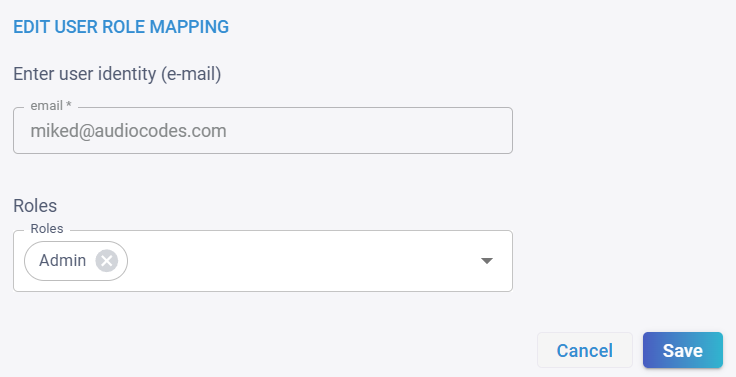
| 4. | In the 'Roles' field, remove the current role by clicking the "x" button. |
| 5. | From the 'Roles' drop-down list, select a new role. |
| 6. | Click Save. |